Axis Lighting / Product configurator
StencilFlex Configurator
A visual workspace for building with light. UX and UI design for Axis Lighting’s modular lighting configurator.
- My role
- UX and UI design
- Client
- Axis Lighting
- Platform
- Web configurator
A short look at the layout canvas, component library, and light and dark interface styles.
14 seconds · No audio · Download videoThe challenge & my approach
Making a complex product feel clear.
Specifying a modular lighting system means understanding mounting methods, framework sizes, hubs, lighting inserts, and how they work together.
Drawing on my UX/UI experience at Axis Lighting, I organised that complexity into a guided, visual workflow: choose the mounting, build the framework, then add the lighting elements. A shared canvas keeps the layout visible as decisions are made. My aim was to make each choice easier to understand and give lighting professionals a clearer path from individual components to a complete specification.
The experience
A clear path through specification.
Open a screen to view it full size.
-
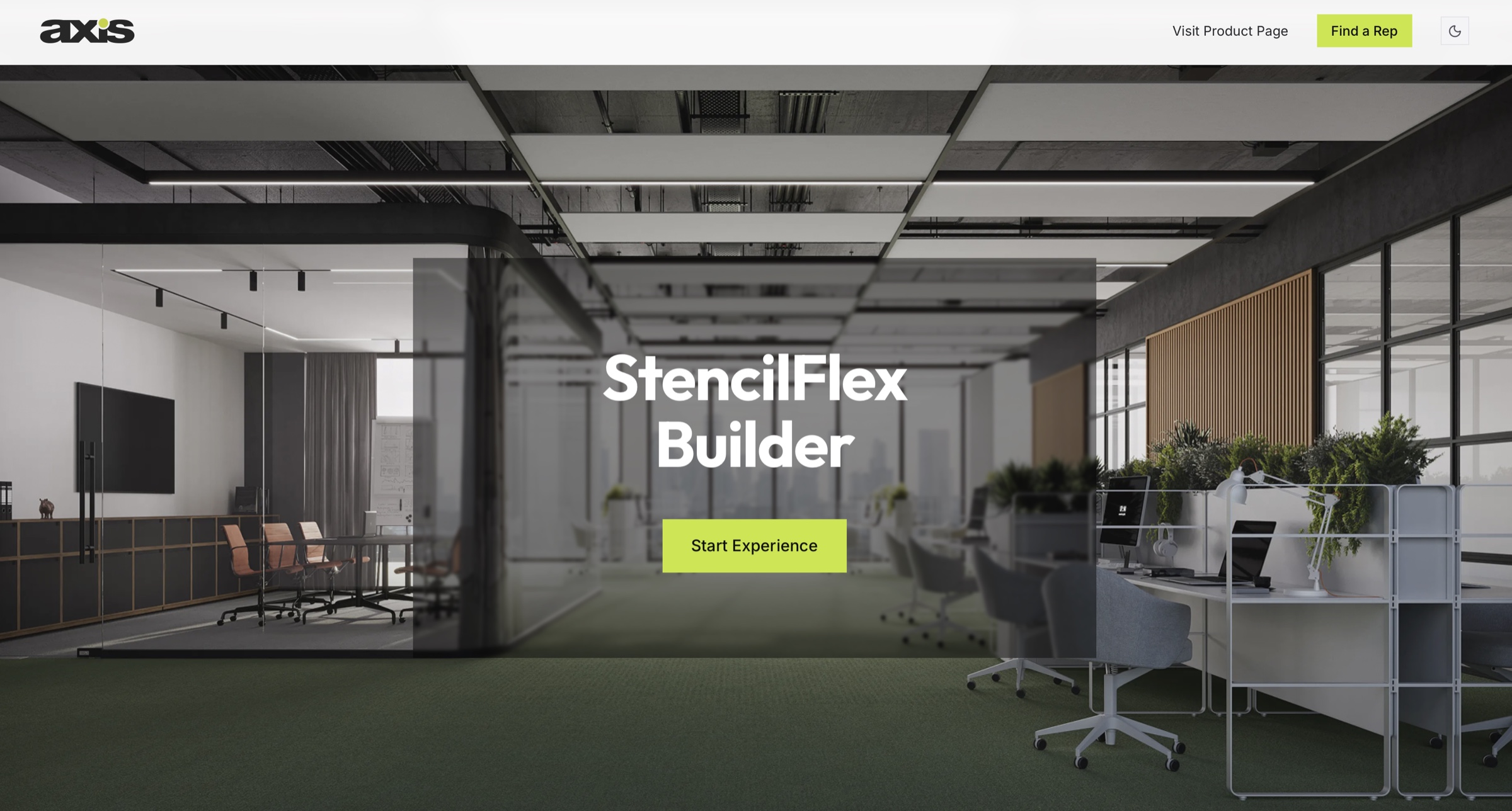
Start with context
A product-led entry introduces StencilFlex in a real space before inviting users into the builder.
-
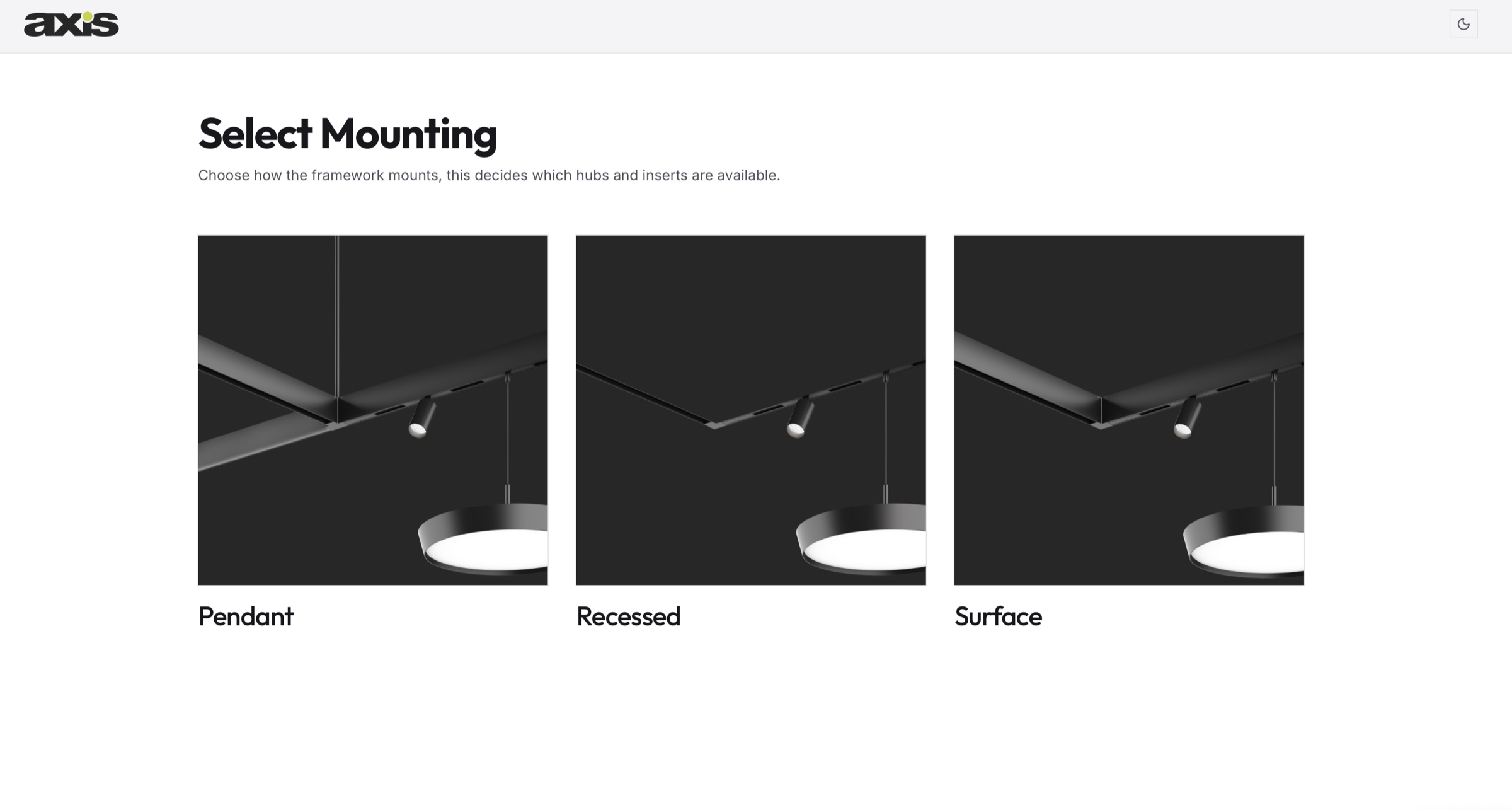
Make the first choice clear
Visual mounting options help users understand how the system fits their space. This first choice determines which hubs and inserts are available next.
-
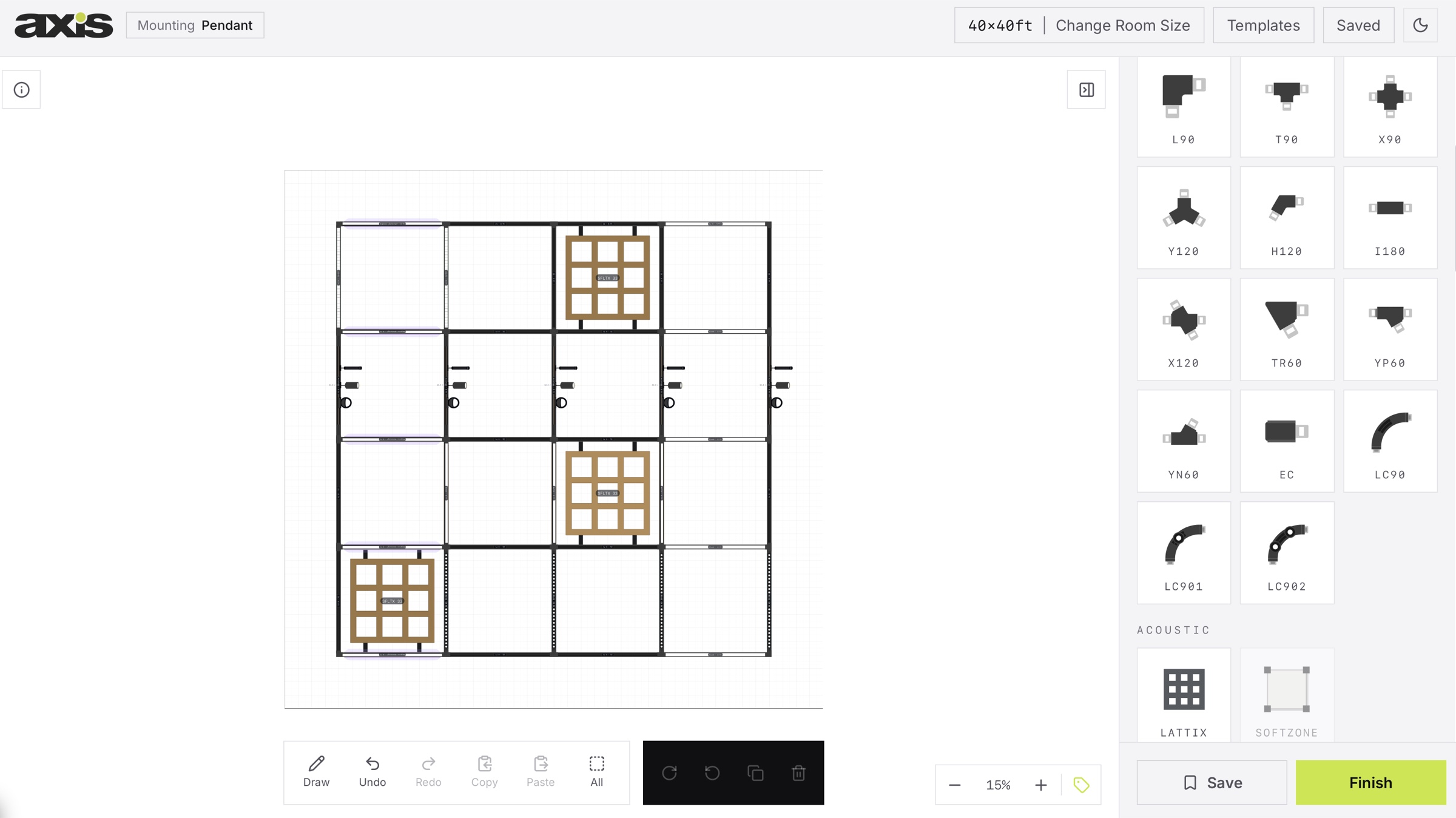
Keep the system in view
The layout and component library sit together, so users can build a framework, place lighting and acoustic elements, and refine the configuration before finishing.
Tools & workflow
From flows to final details.
- Figma
- Interface design and prototyping.
- Adobe Photoshop
- Image editing and preparation.
- Adobe Illustrator
- Vector graphics and visual assets.

Have a project in mind?